A LingQ alternative for Mac
LingQ is great if you learn by reading: import articles and books, tap the words you don't know and watch your vocabulary grow. If most of what you learn from is audio, from YouTube, podcasts or calls on your Mac, Atomus is built for that.
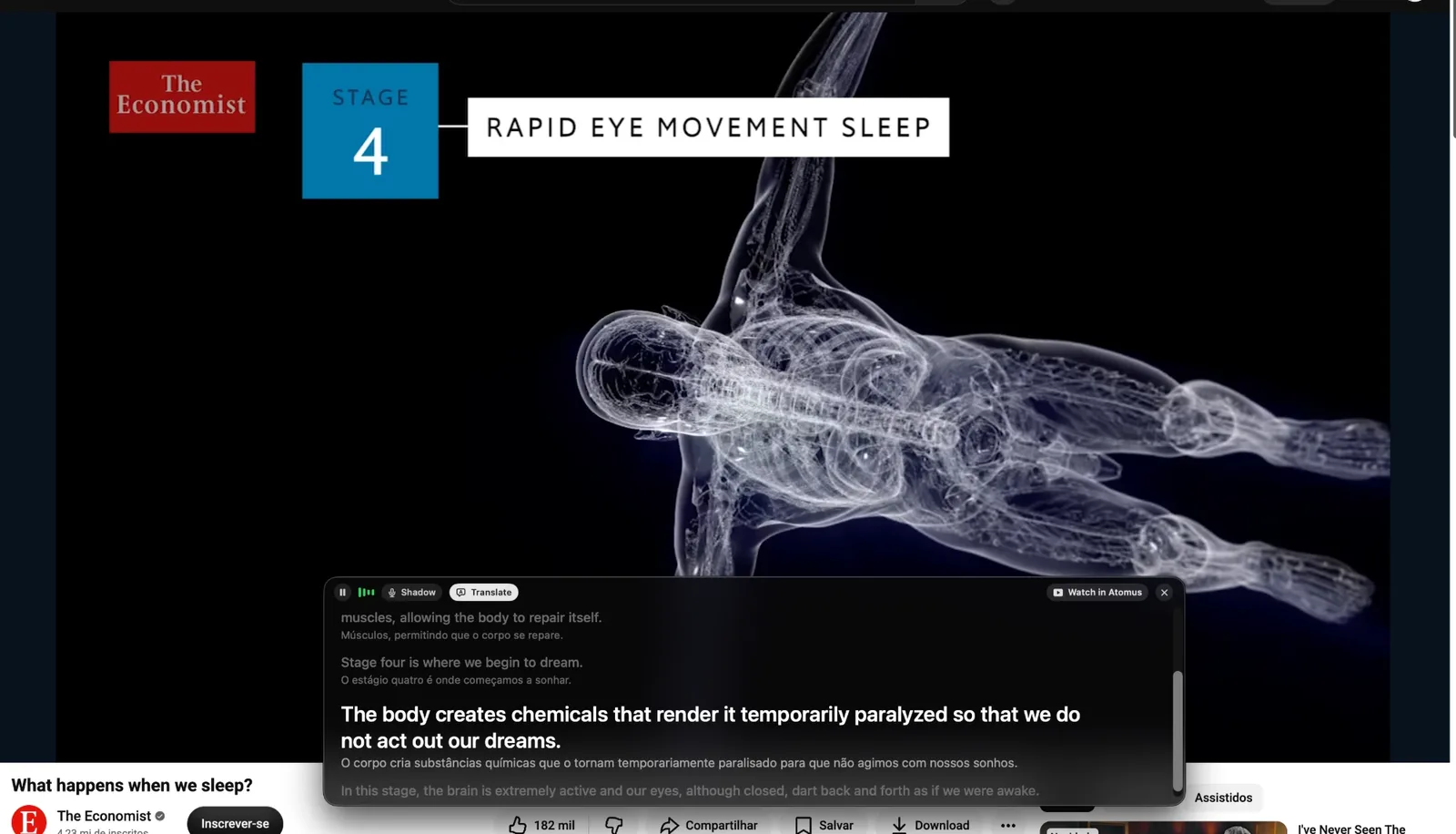
Pick LingQ if
- You learn mostly by reading articles and books.
- You want to track how many words you know.
- You're learning a language Atomus doesn't cover yet.
Pick Atomus if
- Most of what you learn from is audio: videos, podcasts and calls.
- You want each phrase saved with its original audio.
- You want reviews to come to you, in the notch.
- You'd rather pay once than subscribe.
Side by side
| LingQ | Atomus | |
|---|---|---|
| Built for | Reading and imported lessons | Listening on your Mac |
| Works in | Website and phone apps | Any app on your Mac |
| Podcast apps and calls | ||
| Mac app | ||
| Languages | 50+ | 10 |
| Reviews | Flashcards and vocabulary stats | A few a day, in the notch |
| Price | $14.99 a month or $119.99 a year | $19 once |
From each product's website, October 2026.
Use both
Use LingQ for reading and Atomus for what you hear on your Mac. Both work with content you choose.
See how Atomus worksQuestions
Is there a LingQ app for Mac?
LingQ has apps for iPhone, iPad and Android, and a website. On a Mac you use the website. Atomus is a native Mac app.
Is LingQ good for listening practice?
LingQ lessons can have audio, and you read along while you listen. It doesn't capture what you hear in other apps. Atomus saves the line you just heard in any app, with its original audio.
Can I use LingQ and Atomus together?
Yes. Use LingQ for reading and Atomus for videos, podcasts and calls on your Mac.
How much do LingQ and Atomus cost?
LingQ Premium is $14.99 a month or $119.99 a year on the App Store, with a limited free plan. Atomus is $19 once for up to 2 Macs, with a 30-day refund.