
Installation
Download Atomus, drag it into Applications, open it, and activate your license. No extra permissions needed.
Atomus is a native Mac app with an editor window and a menu bar icon. Your notes live in a folder on your Mac, and reviews appear at the top of your screen when they're due.
Requirements
- macOS 14 (Sonoma) or later
- Apple Silicon or Intel Mac
- About 40 MB of disk space
- An Atomus license (buy one here). Each license works on up to 2 Macs at once.
- An internet connection for the first activation
1. Download and install
Grab the latest build from the downloads page, or use the download link in your purchase email. The installer is a signed .dmg. Open it, drag Atomus.app into your Applications folder, and eject the installer.
2. First launch
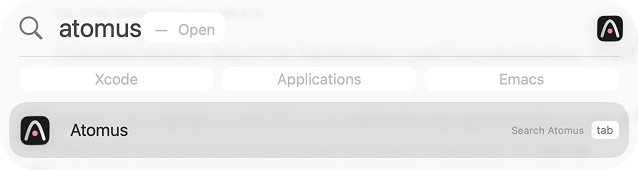
Open Atomus from Applications or Spotlight.
A short intro walks you through the basics and asks where to keep your vault, the folder that holds your notes. More on that in Create your vault.
3. Activate your license
Atomus then asks for the email you used at checkout and your license key. Both are in your purchase email. There's no account to create: your purchase email is your license.
- Activation needs an internet connection. After that, Atomus works offline.
- Lost your key? Get it again at atomus.app/support.
- Moving to a new Mac? Deactivate the old one in Settings → License, or at atomus.app/support if you no longer have it.
The details are in License and updates.
Permissions
Atomus doesn't need Accessibility or notification permissions. The only prompt you might see is optional: Microphone and Speech Recognition, and only if you use voice input in the note chat.
Atomus shows an icon in the menu bar and in the Dock. You can hide either one in Settings → General. Next, write your first atom in Your first review.